Available in 1440p60 · Select HD in the player settings if YouTube starts lower.
System overview
Add fishing to your Roblox game with the LX Studios Fishing System. Ten rods, each with its own effects on the rod, the cast, the bite and the catch. Cast, tap as the rings land to lure a fish in, hook it, then fight it on a tension bar: reel too hard and the line snaps, ease off too long and it runs. Real fish come up on the line, with a catch reveal and a catch log. Drag in one file and call one line; the assets are already uploaded, so there is nothing to upload or set up.
- 10 rods with custom effects on the rod, the cast, the bite and the catch
- A lure game while you wait: tap as the rings land on a swimming fish, and three perfect hits give better odds
- Hook the fish, then fight it on a tension bar: reel too hard and the line snaps, ease off too long and it runs
- 6 fish by rarity, real fish on the line, a catch reveal with weights and a catch log
- Rods ride on the player's back when they aren't held, with idle effects on them
- Sounds on everything, and the view pushes in while you reel
- R6 and R15, on PC, gamepad and touch
- Other players see your rod, line, float and fish
- A showroom included: a dock with every rod on a rack and fish in the water
- One line of code to give a rod, and a Settings module for the rods, fish, fight and effects
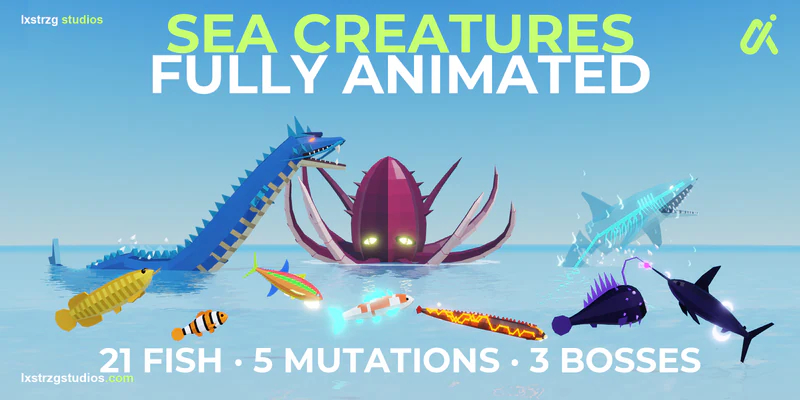
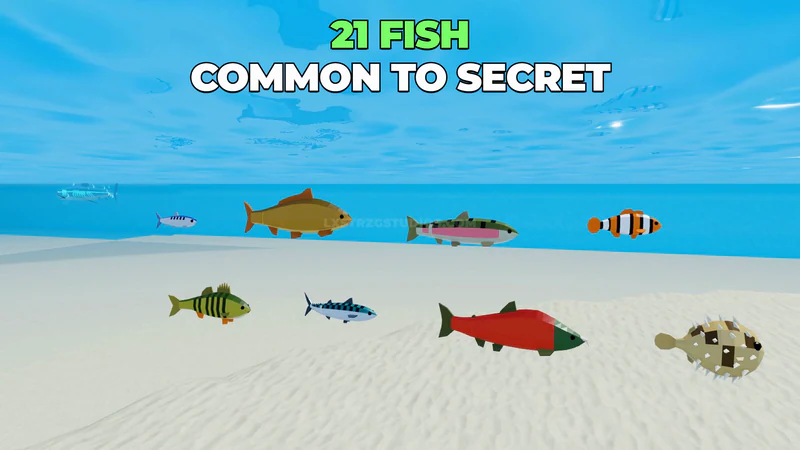
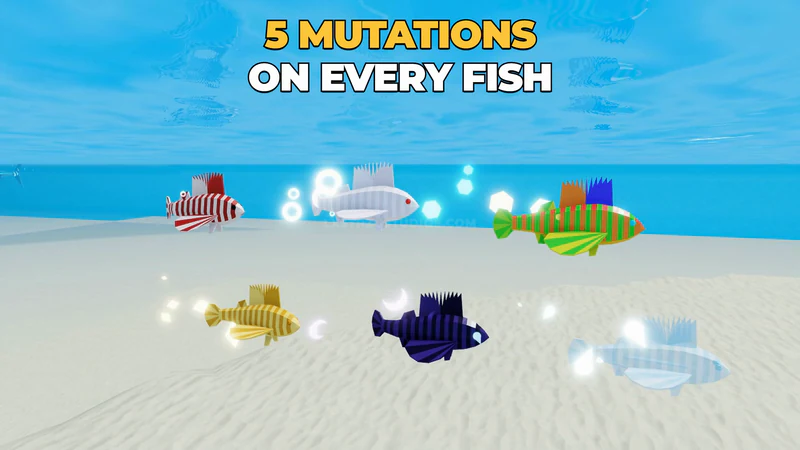
- Works with the Sea Creatures Pack: its 21 fish and 5 mutations join in by themselves
- Free download; no payment or account required for guest download
Works with the Sea Creatures Pack
The Fishing System is free on its own. Put the Sea Creatures Pack in your game as well and it joins in by itself, with no code and nothing to set up.
- 21 fish to catch instead of 6
- 5 mutations: Golden, Albino, Shadow, Rainbow and Ghostly. About 1 bite in 16 comes up mutated, more often with a lucky rod
- Every fish goes in the catch log by rarity
How to get it
Questions? Read the FAQ- Download it freeAs a guest straight away, or signed in so it stays in My downloads.
- Drop it into StudioOpen the file in Roblox Studio and follow the setup steps that come with it.
- Get updatesFollow the product to get an email when its next update is ready.